
The stunt
Begin from an action already completed.
A completed stunt. A lively response.
Develop how a completed stunt looked to its established audience, keeping the resolved outcome unchanged.
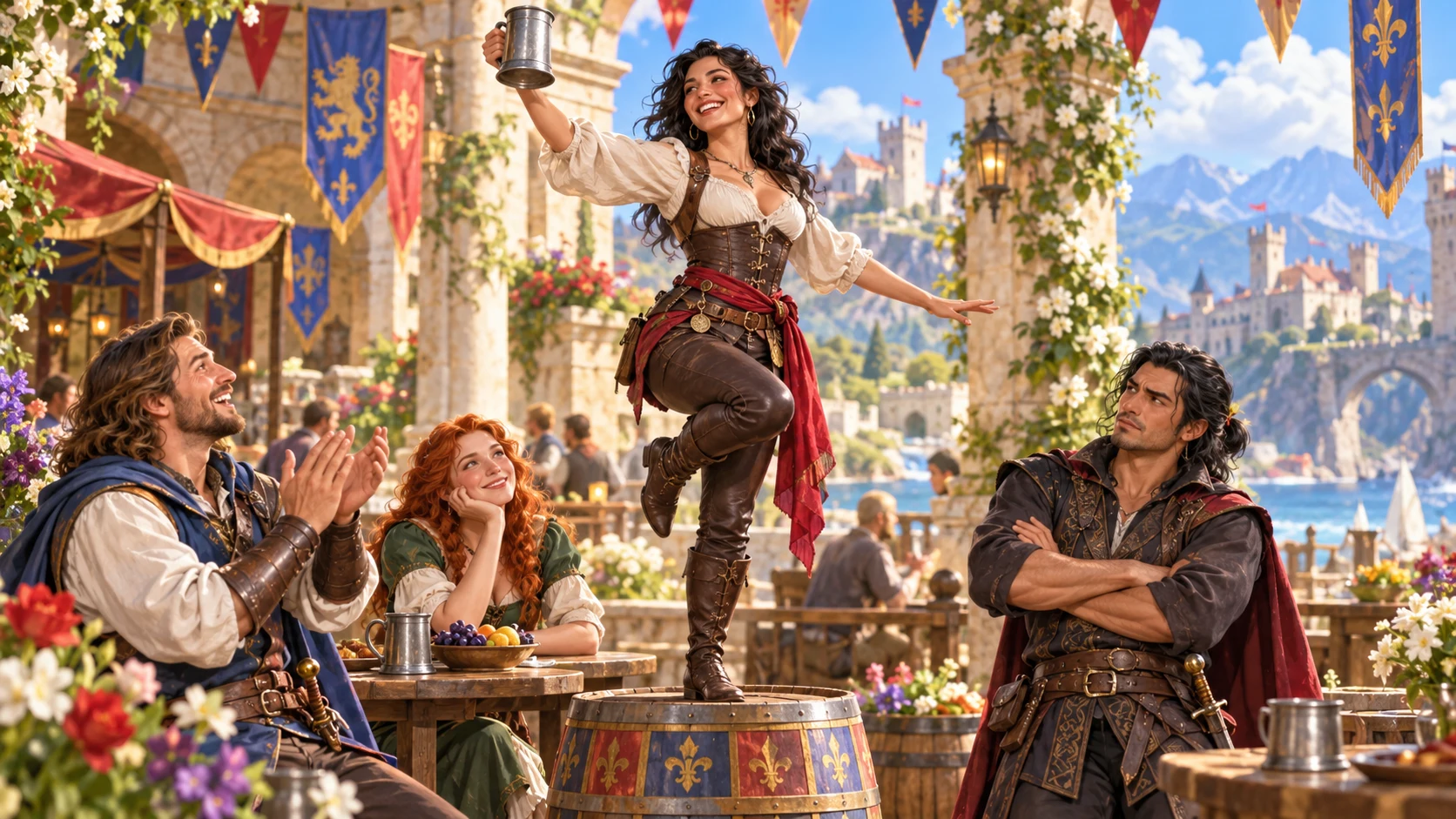
A completed stunt with a social moment to play
Keep the action fixed while making its audience response memorable.
Begin from an action already completed.
Name who tried to impress.
Use the people already present.
Retain the resolved success or failure.
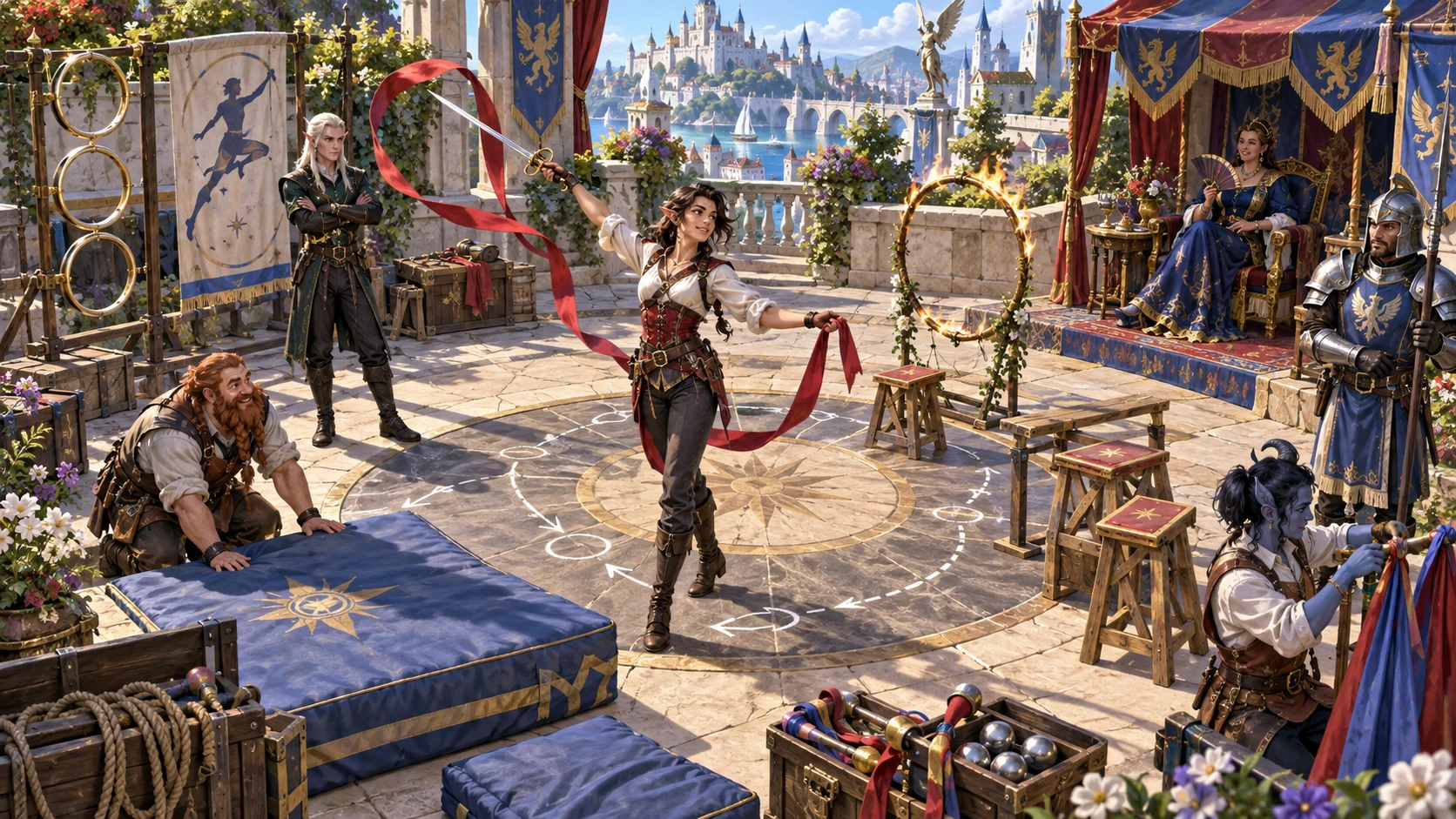
Shape the performance around its audience
The illustration represents performance preparation, not an application screenshot.
Enter the completed stunt, performer, established audience and resolved outcome.
Add style, preparation, confidence, visible risk, audience expectations and chances to recover.
From a fixed result to varied audience reactions
Separate visible execution from what the witnesses make of it.
Enter the completed action and outcome.
Choose quality, tone, style and scene.
Describe what established witnesses notice.
Review follow-up and graceful recovery openings.
Your performance response workspace
Separate the visible execution from how its established witnesses interpret it.
Keep the original action and resolved outcome intact.
Frame a legendary, impressive, awkward, embarrassing or disastrous display.
Use the people who were already watching.
Describe style, risk and what each witness notices.
Explain why the display impresses or falls flat.
Prepare possible next moves without deciding them.
Edit, lock, regenerate selected parts and undo changes.
Copy DM, player-safe or read-aloud material; download JSON or print.
Quick foundation and deeper performance context
Add details that make the response specific to this audience.
Set stunt, performer, audience and resolved outcome.
Add experience, preparation and confidence.
Consider stakes, timing and surroundings.
Add loyalties, cultural outlook and recovery chances.
Refine the scene during the session
Keep useful sections while shaping the performance response.
Review and edit the current result.
Lock useful parts and regenerate others.
Revisit current-session material and undo changes.
Export results you want to retain.
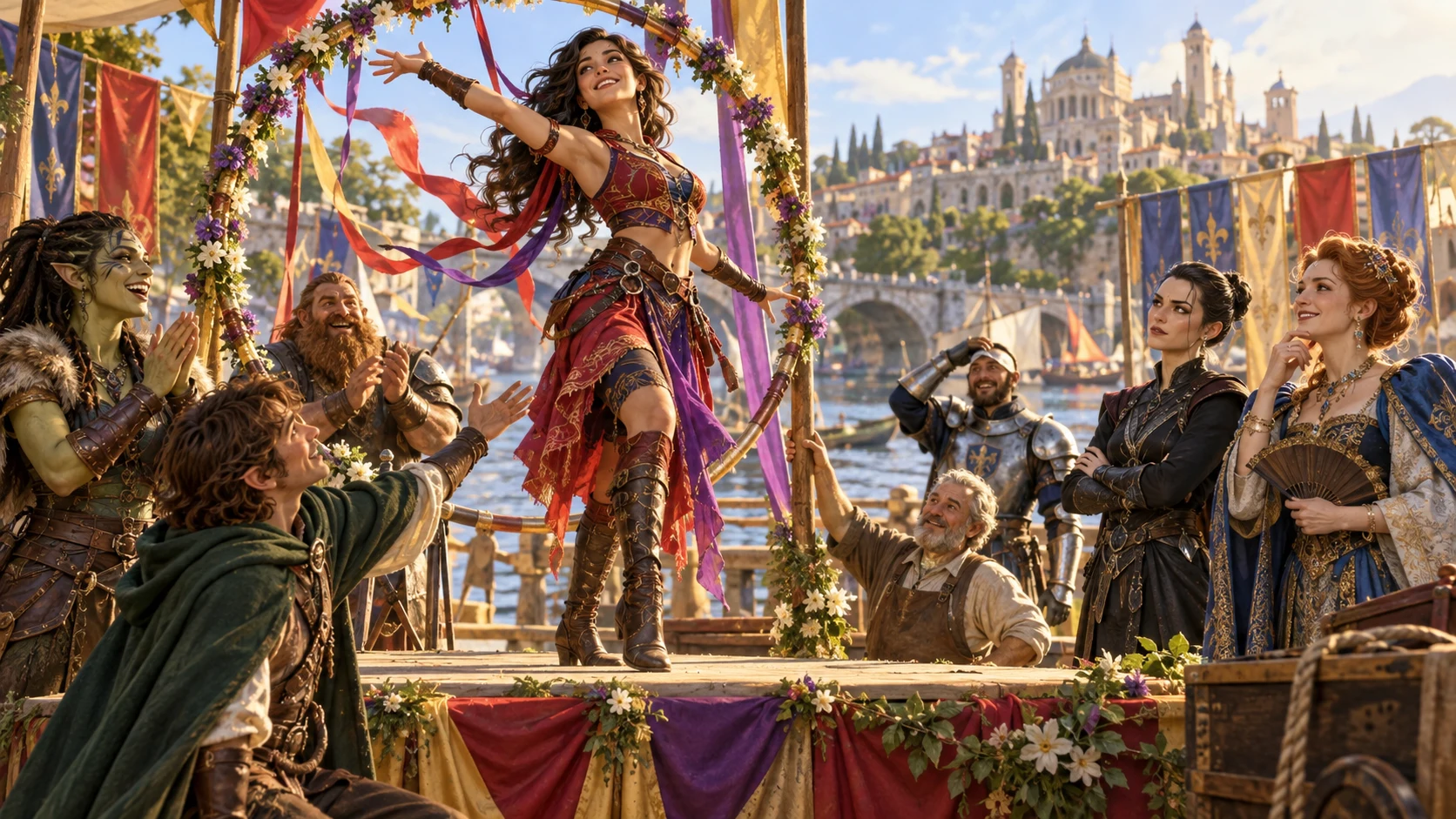
A performance response ready for the table
Review the fixed stunt, execution and what each witness notices.
Consider why it lands, immediate reactions and possible follow-up or recovery.
Review private notes and the selected DM, player-safe or read-aloud view before sharing.
A social moment within its existing audience
Keep the response limited to this moment and the people already there.
Preserve the resolved action and outcome.
Do not add an audience that was absent.
Use immediate reactions rather than permanent reputation.
Play follow-up or recovery without automatic effects.
Generator access and pricing
Choose access for this selected generator or an eligible pack.
Review current standalone access and pricing.
Check whether a current pack includes this generator.
Use your account to review premium product access.
Create a free VISINVOKE account; premium access remains separate.
VISINVOKE means value
Bring fixed results, visible execution and audience expectations together.

Begin from the action and outcome already resolved.
Show what different established witnesses notice.
Revisit session results and export those needed after closing.
Play possible follow-up and recovery without automatic effects.
Explore your VISINVOKE workspace
Each card opens its own product website. Review purpose and access separately; related products do not promise included access or automatic synchronisation.
Open your VISINVOKE desktop products.
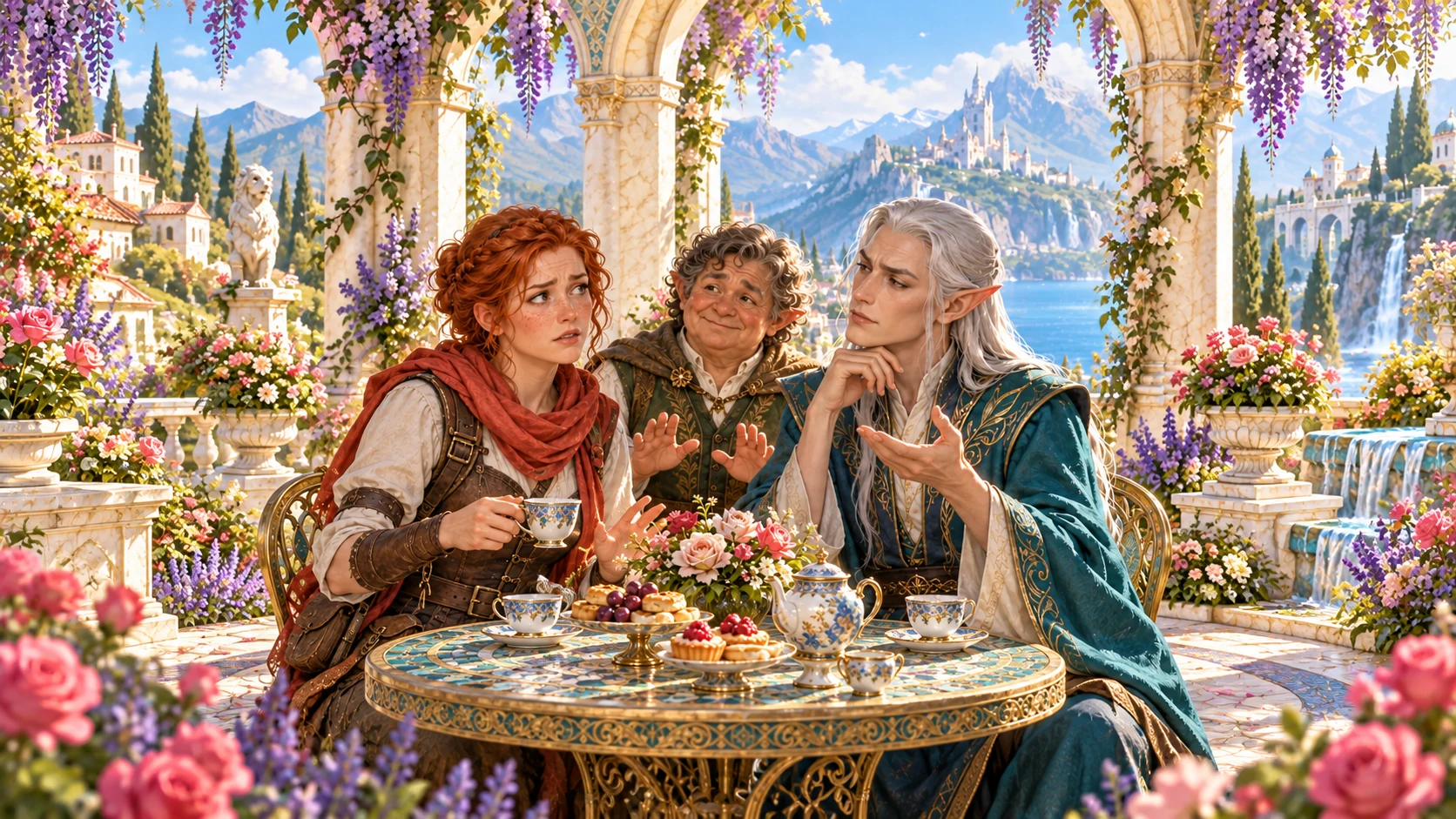
Prepare a live exchange after an established social mistake.

Build the wider setting around your campaign.

Develop the places your party travels through.

Explore separate adventure environments.
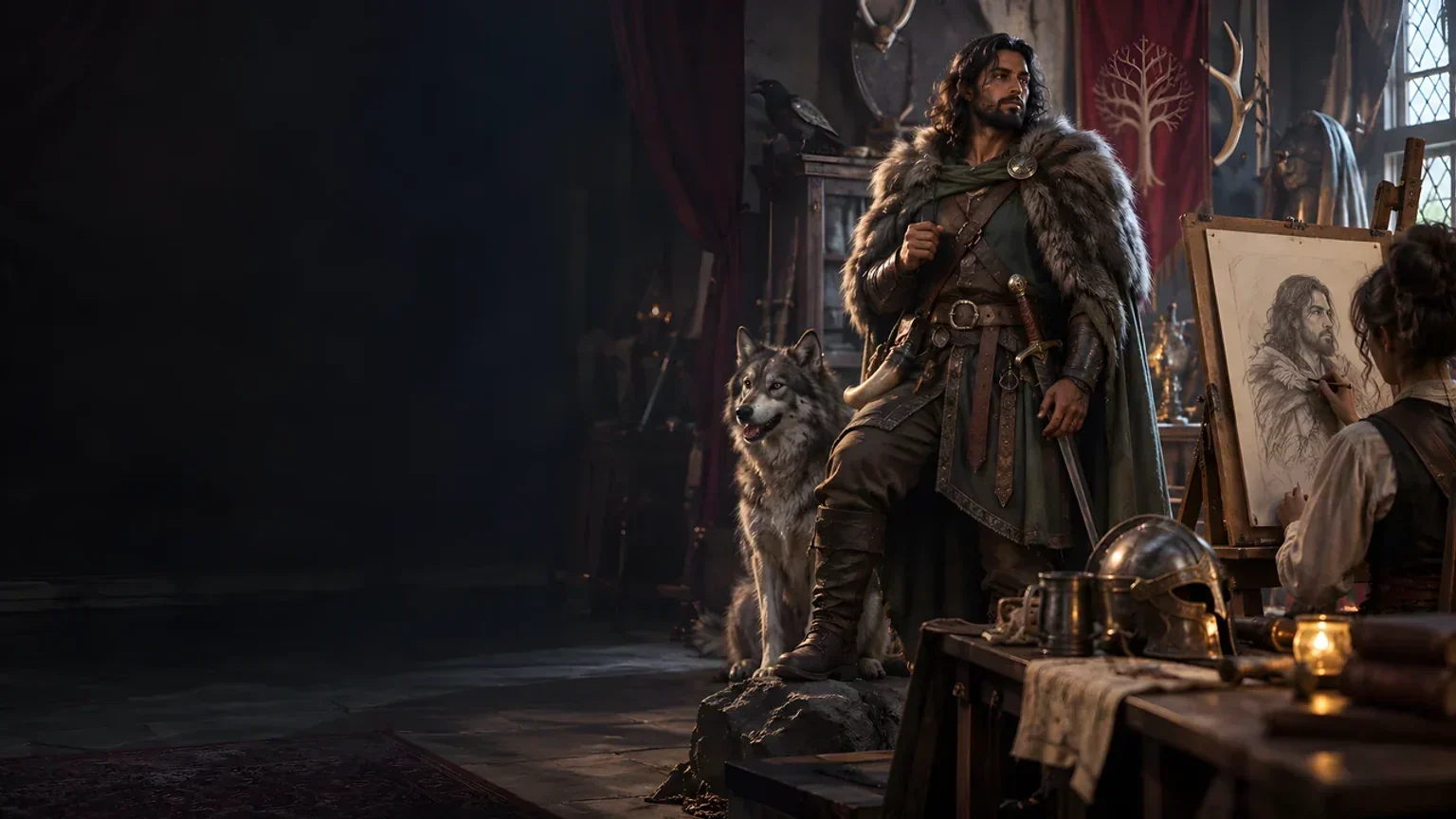
Explore separate fantasy image creation.
Product artwork is illustrative, not application screens or actual generated image output.
Quick answers
Understand fixed outcomes, bounded audiences and reviewed table views.
Develop how a completed stunt looked to its established audience. Keep the action and resolved success or failure fixed, then describe presentation, visible execution, what each witness notices, why it lands, immediate reactions, relationship pressure and possible follow-up or graceful recovery.
The completed action and its resolved outcome stay unchanged. Frame its presentation as legendary, impressive, awkward, embarrassing or disastrous without rerolling the stunt, adding witnesses, awarding lasting fame or applying an automatic rule effect.
Quick preparation sets the stunt, performer, established audience, resolved outcome, result quality, tone, presentation style and scene type. Deep preparation adds style, experience, preparation, confidence, risk, stakes, timing, surroundings, audience expectations, loyalties and cultural outlook.
Review what each established witness notices and why the display lands as it does. Include rivals or authority figures already present when useful. Immediate reactions, follow-up opportunities and graceful recovery openings are possibilities for play, rather than permanent opinions or events already decided.
Edit the result, lock useful sections, regenerate selected parts, undo changes and revisit recent results during the current session. Export anything you want to keep after closing; the session history is for revisiting current-session results.
Copy the full DM version, player-safe view, read-aloud or selected sections, download the performance as JSON or print the current audience-safe version. Review the selected view and private notes before sharing. Open the generator in Desktop Command Centre’s Generators collection and review current account access for the selected generator or an eligible pack.
Continue in VISINVOKE
Create a free VISINVOKE account and review current generator access.
Use your account installer page for Desktop Command Centre.
Open Showing Off Generator from the Generators collection.